Textstem Admin System
This guide is for the people who edit and look after a Textstem site. It covers the admin at /textstem: building pages from components, writing posts, using template commands, and managing assets, globals and caching. For installing Textstem or building with it in code, see the Developer Guides.
In this guide
- Key Concepts — The three key concepts behind Textstem: pages, components and posts.
- Pages — Create pages and set their URL, template, publishing, menu and SEO settings.
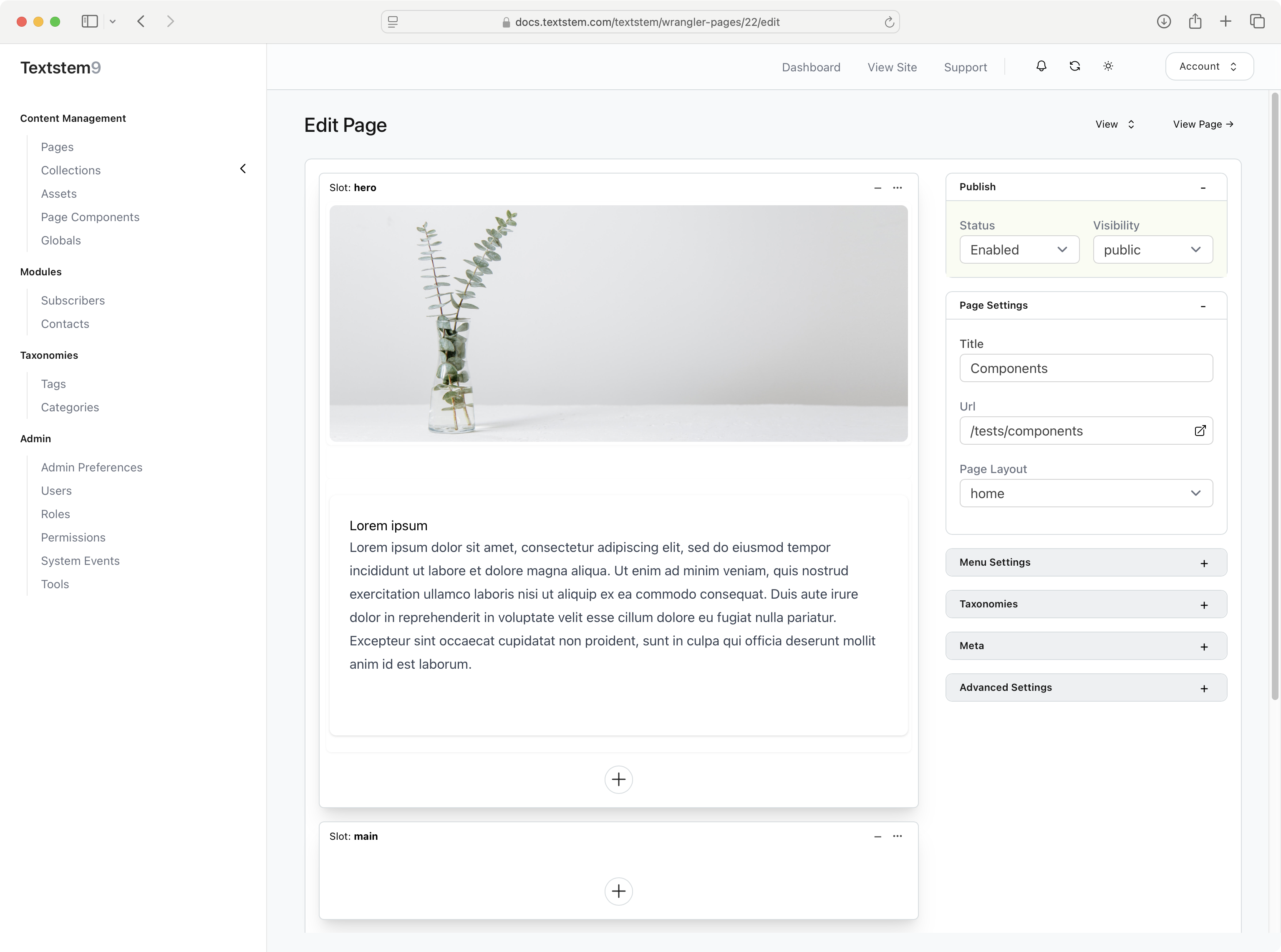
- Components — Add, edit, arrange and switch off the components (content blocks) that make up a page in the page builder.
- Posts — Posts are a generic content type for blogs, news, events and more. Each post belongs to a collection.
- Template Commands (Shortcodes) — Use template commands (shortcodes) to put dates, site details, images, videos and post lists into any content.
- Site Administration — Look after the site: the media library, globals, page caching and content packs.