Wrangler Pages: The Core of Textstem Content
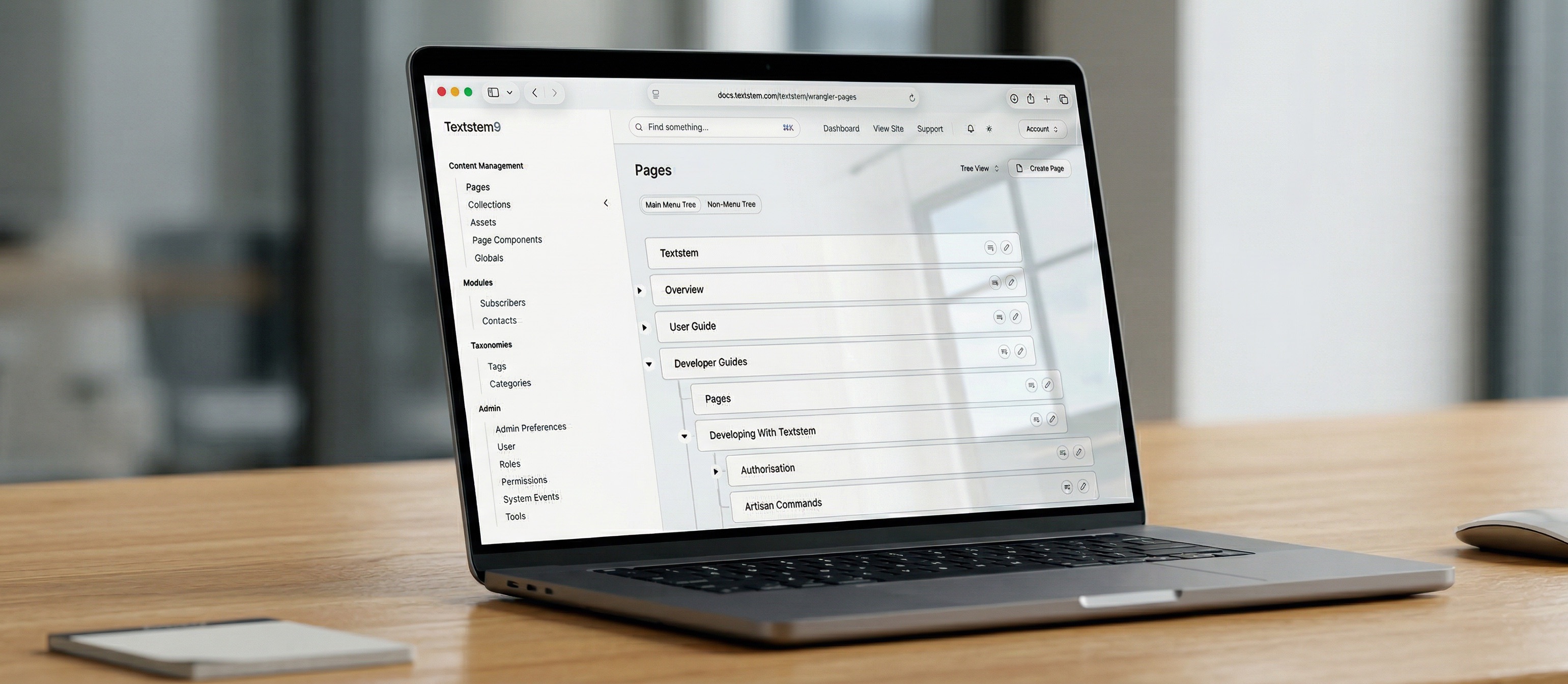
In Textstem, a Wrangler Page is the primary unit of content delivery. Unlike traditional static pages, a Wrangler Page is a dynamic, highly configurable entity that serves as a container for modular components and metadata.
Key Concepts
- Modular Architecture: A Wrangler Page doesn't have a single fixed "body" field. Instead, it is composed of multiple Wrangler Components (e.g., Hero blocks, Prose sections, Image galleries) assigned to specific Slots (like
hero,main, oraside). - Template-Driven: Each page is associated with a Template. The template defines the available slots and the overall layout. Textstem looks for corresponding Blade views in your application (
resources/views/wrangler/pages/{template}.blade.php) or falls back to package defaults. - URL Management: Wrangler Pages feature a flexible URL system. They can have a fixed URL, a slug-based URL, or even "greedy" matching for nested content patterns.
- AI-Enhanced: Pages are tightly integrated with OpenAI. You can generate SEO metadata (titles, descriptions, keywords) and JSON-LD structured data directly from the page's component content.
Anatomy of a Wrangler Page
When a developer interacts with a WranglerPage model, they are working with:
- Metadata: Standard SEO fields (Title, Slug, Description, Keywords) plus a flexible
metaJSON field for custom attributes. - Components: A collection of
WranglerComponentinstances. Each component has its own type, data, and position within a slot. - Hierarchy: Support for
parent_idallows for nested page structures and breadcrumb generation. - Snapshots: Textstem automatically creates "Snapshots" (versions) of pages whenever they are updated, ensuring you can track changes over time.
Rendering Pipeline
Rendering a Wrangler Page involves the PageRenderer service, which:
- Identifies the correct Template.
- Loads and instantiates all enabled Components for that page.
- Organizes components into their respective Slots.
- Processes Shortcodes and Link Parsers within the component content.
- Injects the resulting HTML into the final Blade view.
Developer Usage
For headless or hybrid setups, Wrangler Pages are accessible via the API:
GET /api/v1/public/pages/by-url?url=/about&include_components=true
This returns a structured JSON representation of the page, its SEO metadata, and all attached components, allowing for easy integration with frontend frameworks like Vue, React, or Inertia.js.
Page Access
When creating pages, administrators can specify access to the pages. Public pages can be accessed by anyone. Private pages can only be accessed by authenticated users. Protected pages can be accessed by anyone with the page password.
Protected Pages
When attempting to access a protected page, the PageLoader class checks the request for a password. If there is no password, then the session is checked to see if access has been granted for this page.
To access a protected page, either attach the page password to the url with the parameter "password", or of you wish to prompt users to enter a password, then create a route named 'page_login' and users will be redirected there. For example, you could create routes like this:
Route::get('/page_login/{page}', 'PageAccess@show')->name('page_login');
Route::post('/page_login', 'PageAccess@process')->name('check_access');
And the corresponding controller:
<?php

namespace App\Http\Controllers;

use Illuminate\Http\Request;
use Illuminate\View\View;
use Textstem\Models\WranglerPage;
use Illuminate\Validation\ValidationException;

class PageAccess extends Controller
{
    /**
     * Show the request access form
     *   $request
     *   $page
     *
     */
    public function show(Request $request, WranglerPage $page): View
    {
        return view('requestaccess', ['page' => $page]);
    }

    /**
     * Process the request access form
     *   $request
     * @return \Illuminate\Http\RedirectResponse
     *
     */
    public function process(Request $request)
    {
        $id = $request->get('id', '');
        $password = $request->get('password', '');
        $page = WranglerPage::where('id', $id)->where('password', $password)->first();
        if ($page) {
            $key = 'page_access_' . $page->id;
            $request->session()->put($key, 1);
            return redirect($page->url);
        } else {
            throw ValidationException::withMessages(['url' => 'This passcode is incorrect']);
        }
    }
}


See also: Creating Pages, in the User Guide, for creating pages in the admin.