Collections
There are two parts to setting up a collection:
- a schema, which defines the properties each item (post) in the collection has; and
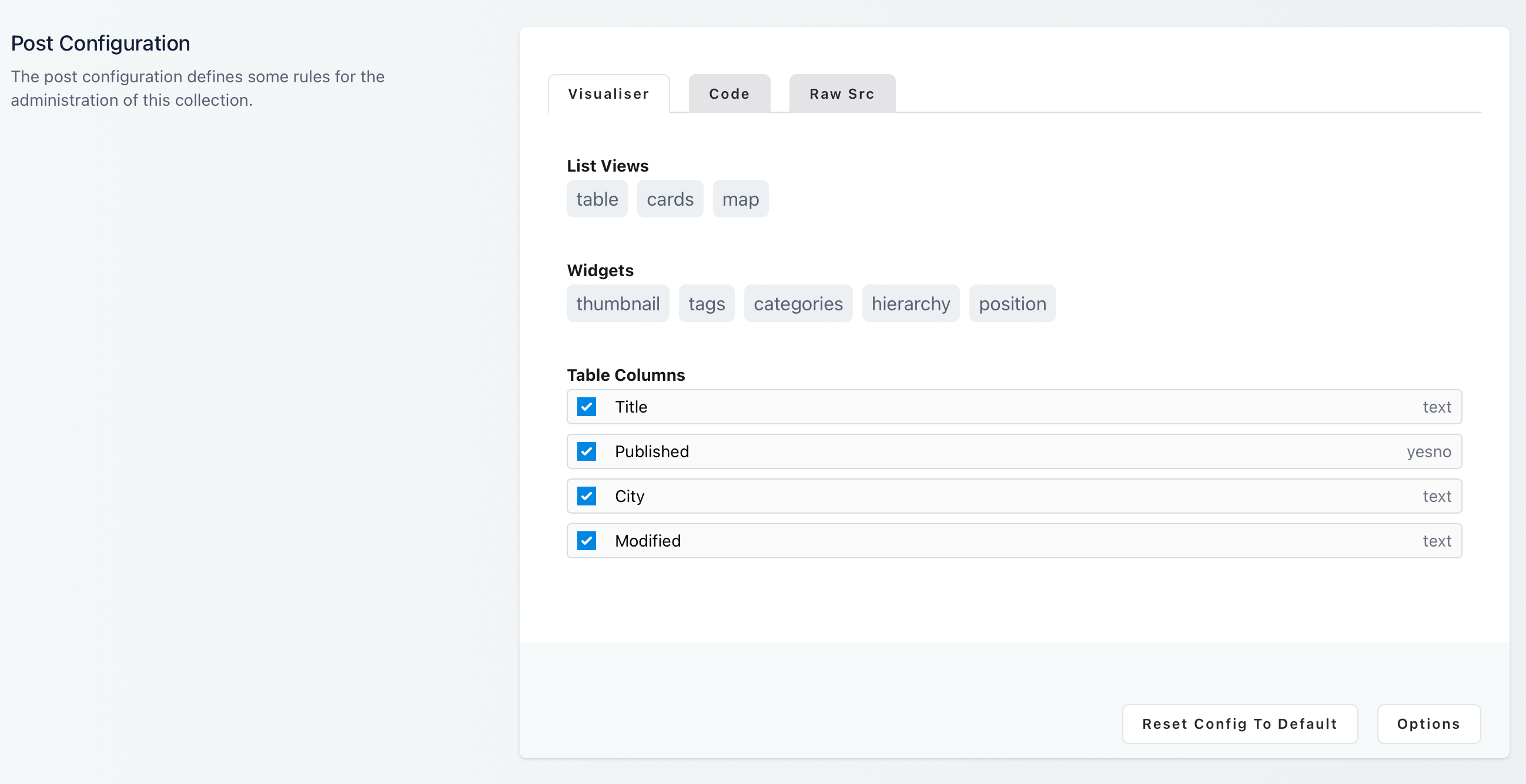
- a configuration, which determines how the collection is managed in Textstem.
Collection Schema
The collection schema is a JSON file that defines the structure of the items in a collection. It's usually set up by a developer when building a site, but schemas can also be added and updated in Textstem.
[
    {
        "name": "title",
        "label": "title",
        "casts": "string",
        "controltype": "text",
        "required": true,
        "value": ""
    },
    {
        "name": "author",
        "label": "author",
        "casts": "string",
        "controltype": "text",
        "required": false,
        "value": ""
    },
    {
        "name": "content",
        "label": "Content",
        "casts": "string",
        "controltype": "htmleditor",
        "required": false,
        "value": ""
    }
]
Each entry sets a property's name, and optionally its label, controltype (how it's edited), casts (its type) and whether it's required. The Collection Schema reference lists every property and control type.
Configuring Collections
In addition to specifying a schema, collections can be configured to have specific list views, widgets and columns in the admin views. See Collection Configuration for the settings.
See also: Collections and Custom Post Types, for setting up collections in code.